Landis Attendant Console Features

Landis Attendant Console for Microsoft Teams gives you everything you need to handle calls efficiently. Multiple transfer options, live team availability, and the fact that everything is available from one interface, will make this your receptionists’ and callers’ favorite tool.

Landis Attendant Console Overview video

Core Call Handling Features

Advanced Call Management

Handle multiple calls from a single, organized interface.

Transfer calls with only 1 click

Multiple transfer options available including Blind, Safe, Consult, Chat Consult transfers, and voicemail transfers.
Background music for callers placed on hold.
Visual hold alerts with customizable warning thresholds.
Contact Management & Search

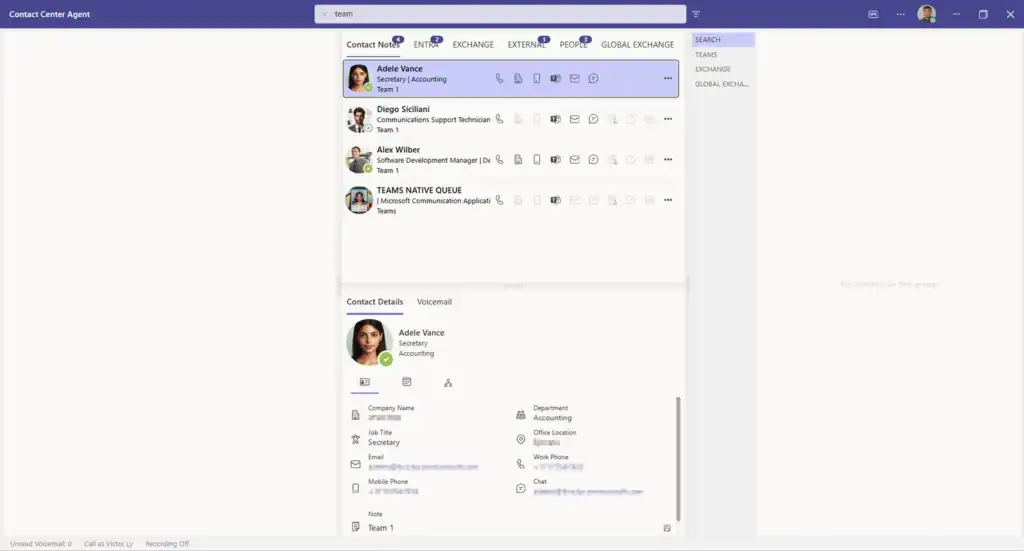
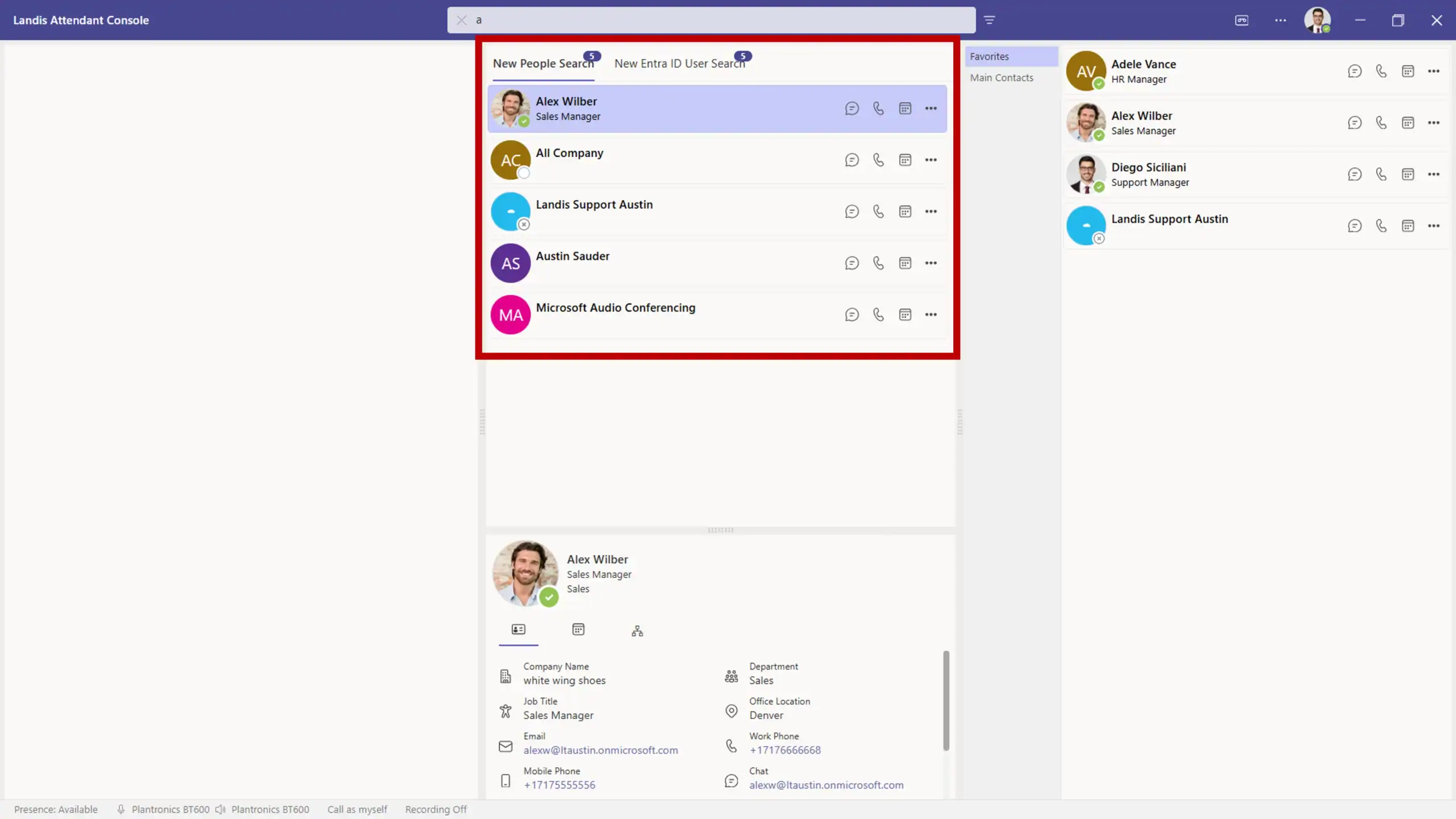
Search multiple contact lists, internal and external, simultaneously. Contact notes are also searchable.

Filter search results based on department, location, etc.
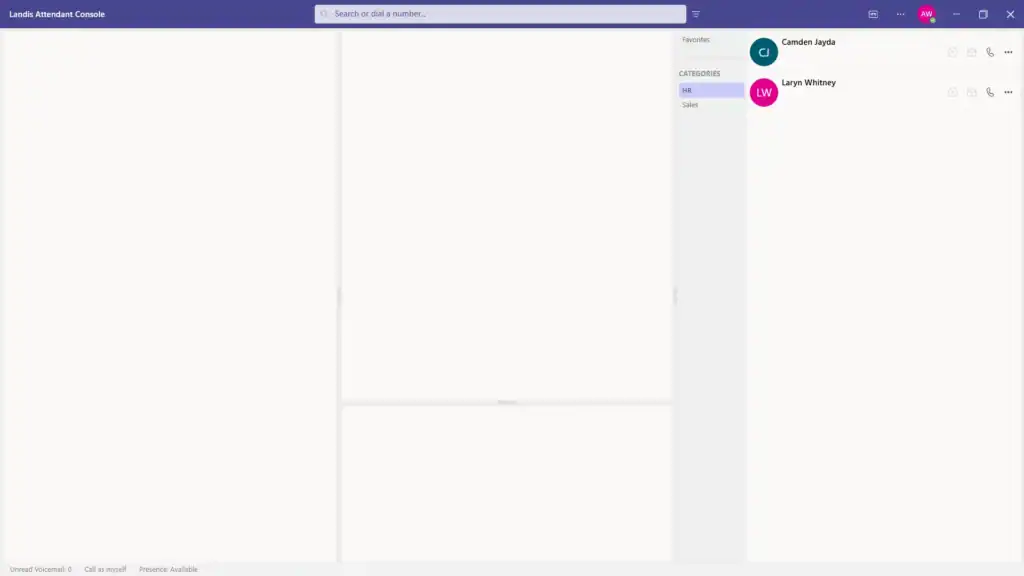
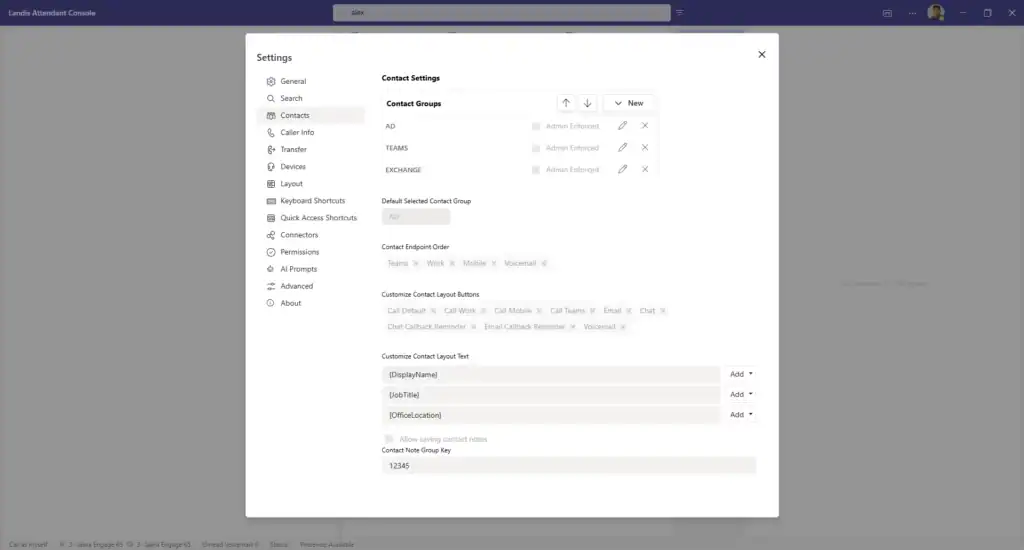
Create and manage custom contact groups for Entra, Exchange, or Global Exchange contacts for quick access.
Add, edit, and view personal or shared notes for each contact.
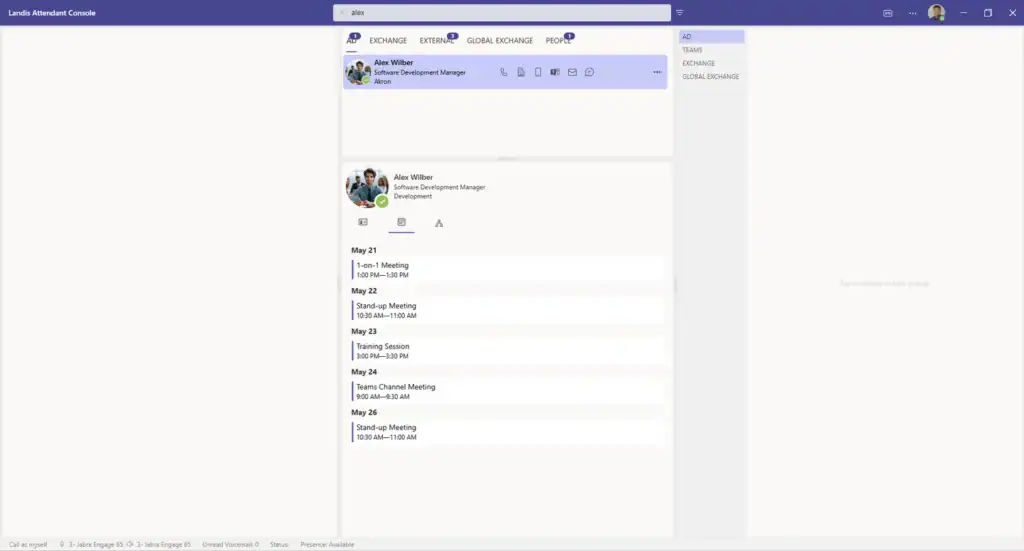
View contact information, notes, and calendar availability.
Phone numbers on a webpage or application that appear as clickable links (TEL links) can be configured to open in Landis Attendant Console.

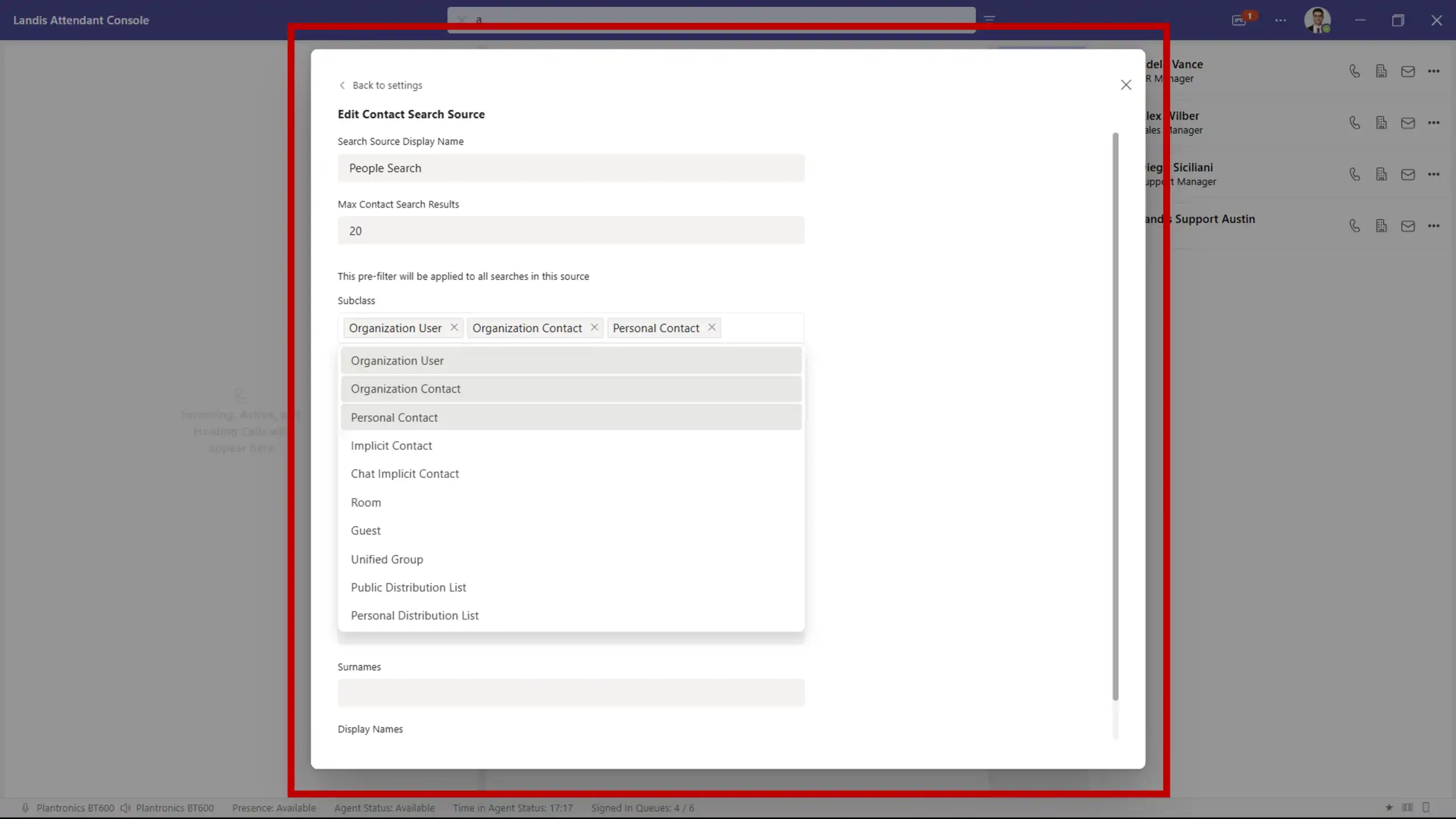
Search across Active Directory, personal exchange contacts, global exchange contacts, or anyone you’ve previously emailed or chatted with. These results can be pre-filtered with custom settings.

AI & Automation Features

AI-Powered Capabilities
Create AI prompts to generate call summaries, action lists, coaching hints, etc. based on the transcription of calls.
AI Prompts can be manually or automatically triggered at the end of a call, a chat/email callback reminder, or a transfer.

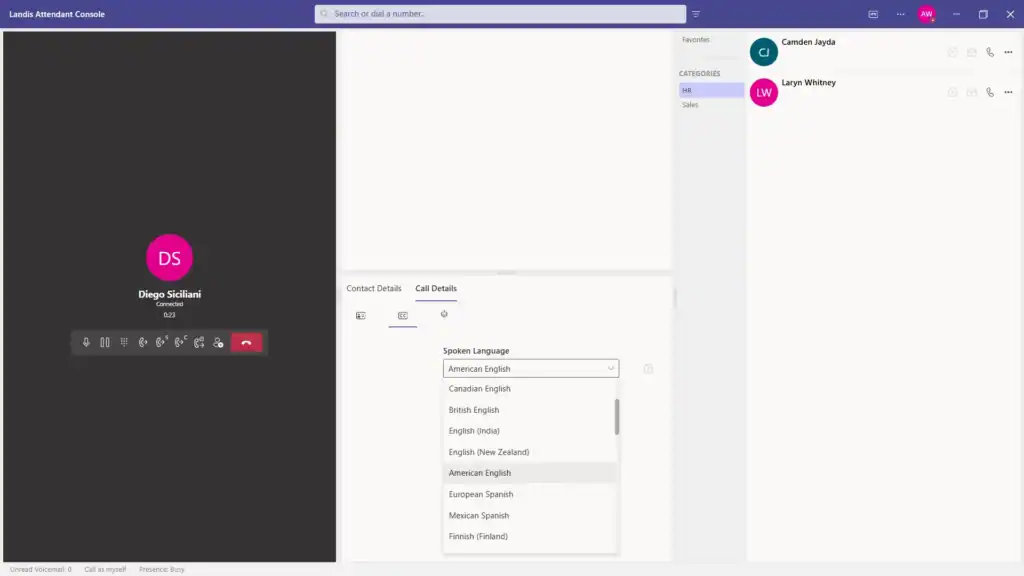
Live call transcription in multiple languages with closed captions.

AC Transcription Languages
Automated analysis of call content.
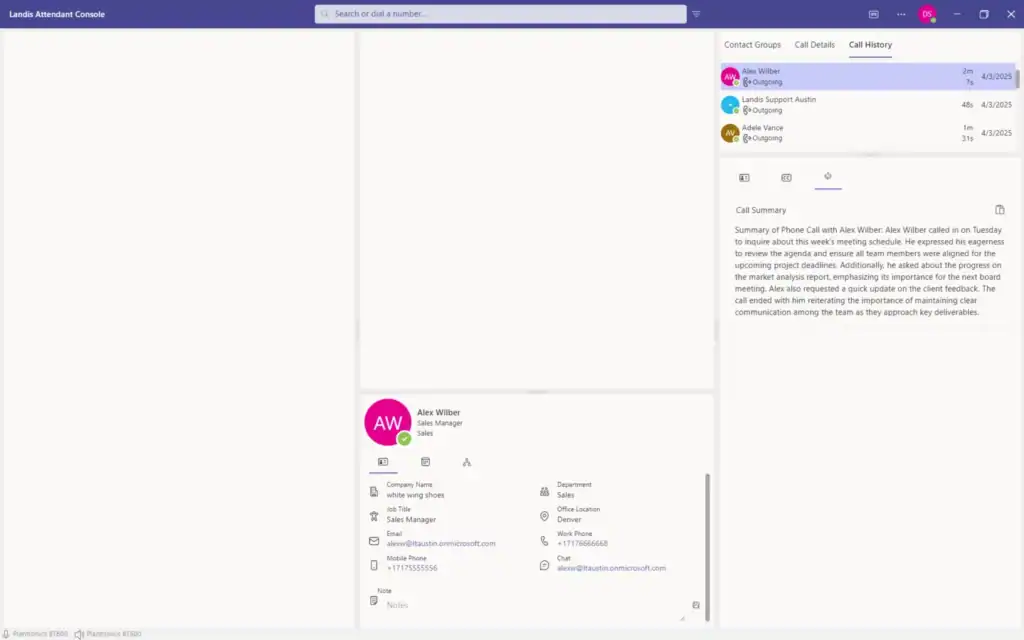
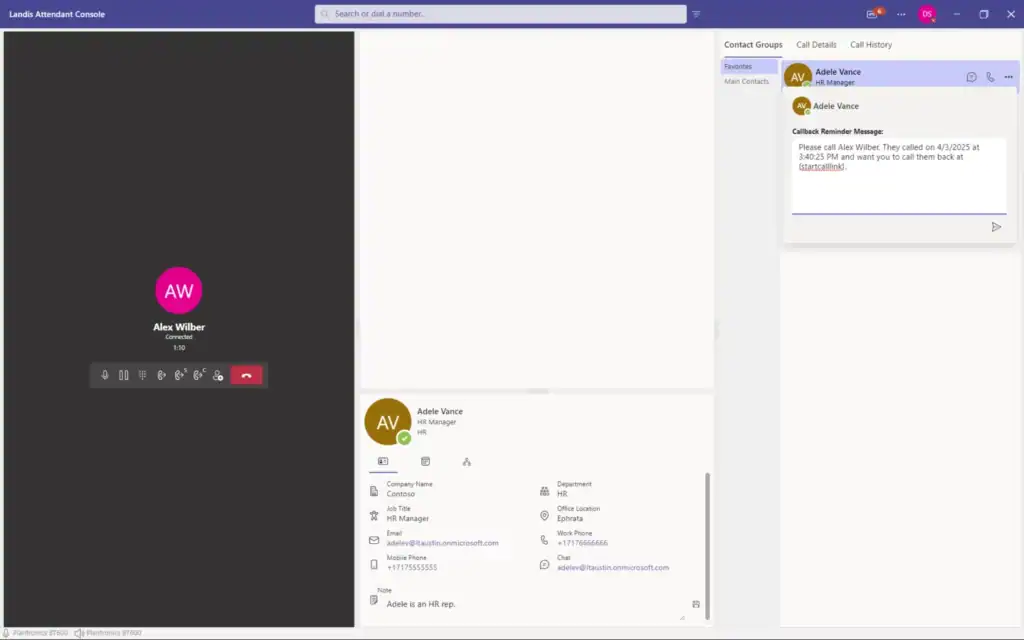
AI-generated summaries for callback reminders and transfers.
AC Call Summary

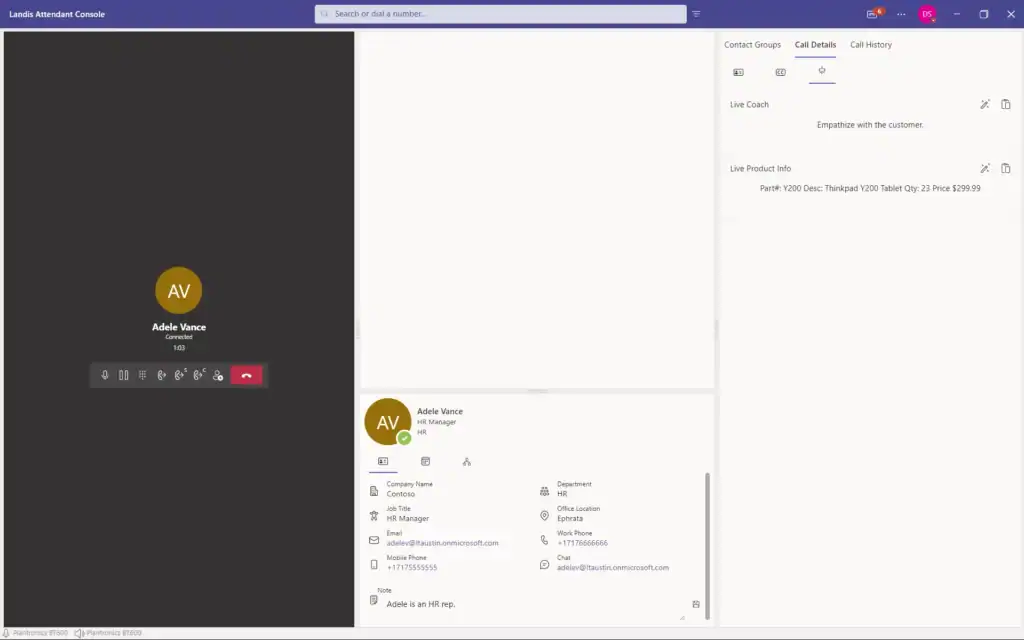
Automatically identify tasks, names, or part numbers from conversations.

Attendant Console Live coaching

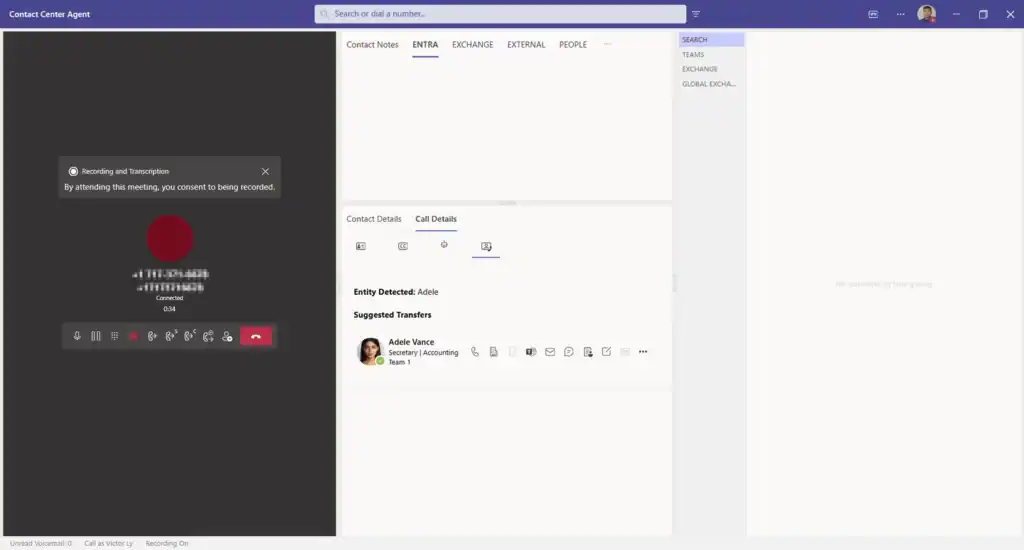
When either the caller or the receptionist mentions a name or department in the context of a transfer needed, the appropriate contact card will be automatically displayed for one-click transfer.

AC Suggested Transfers
Workflow Automation
AI-created callback reminders customizable to include context or summaries.
Send call data, transcripts, and AI responses to external systems.
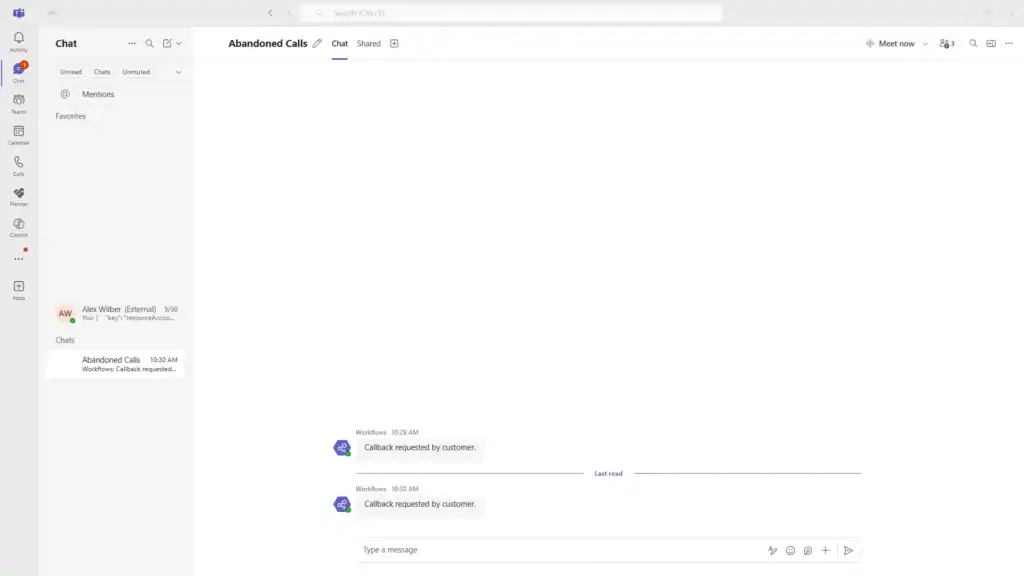
Callback Request in Teams
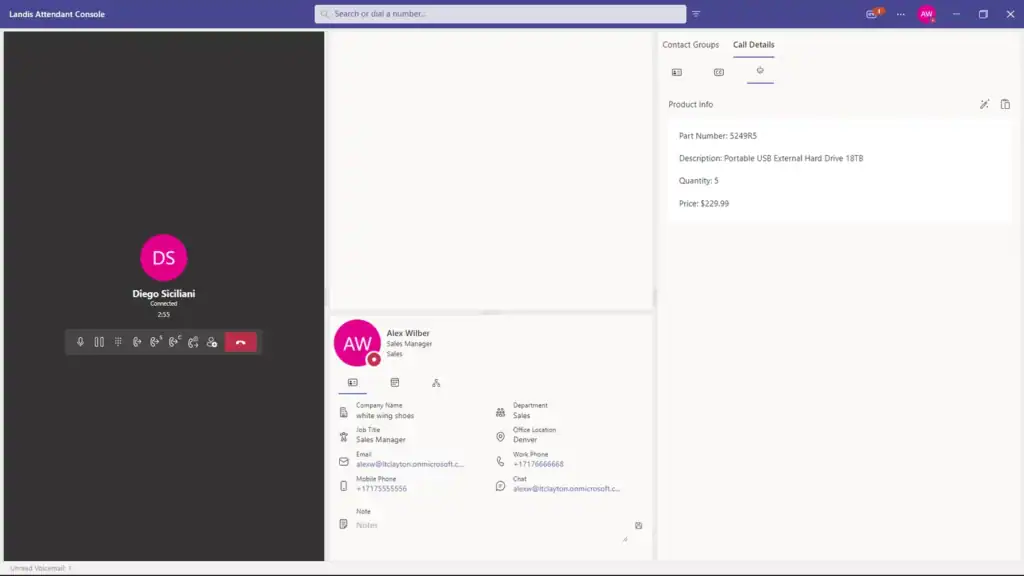
Interactive data cards with information such as customer history and account status.
AC Adaptive Card

User Interface & Experience

The desktop application can be installed and ready for configuration in one minute.
Customizable Layout System
Create and save multiple layouts for various scenarios.
Customizable panel placement and visibility.

Enable/disable panel types including Voicemail, Call History, Contact Details, etc. On-Demand Panels that are not a part of the current layout appear temporarily as needed.

Full dark theme option
Quick Access & Shortcuts
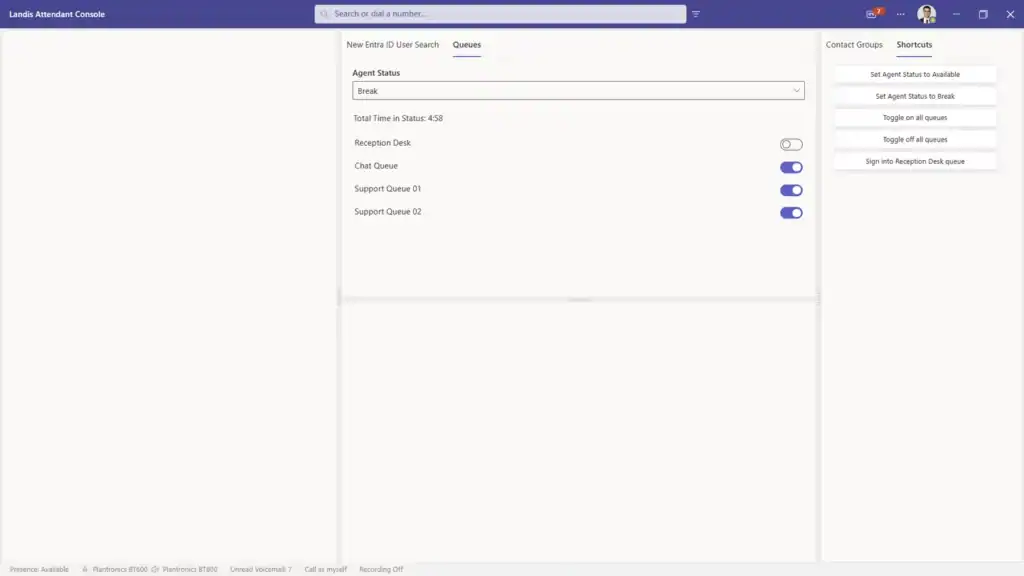
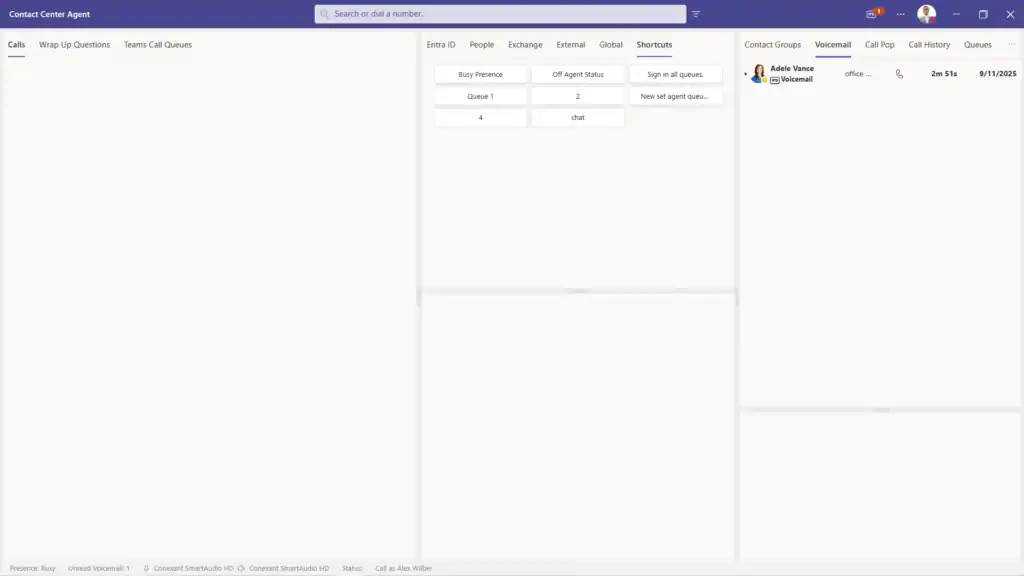
Create buttons for frequent tasks and contacts.
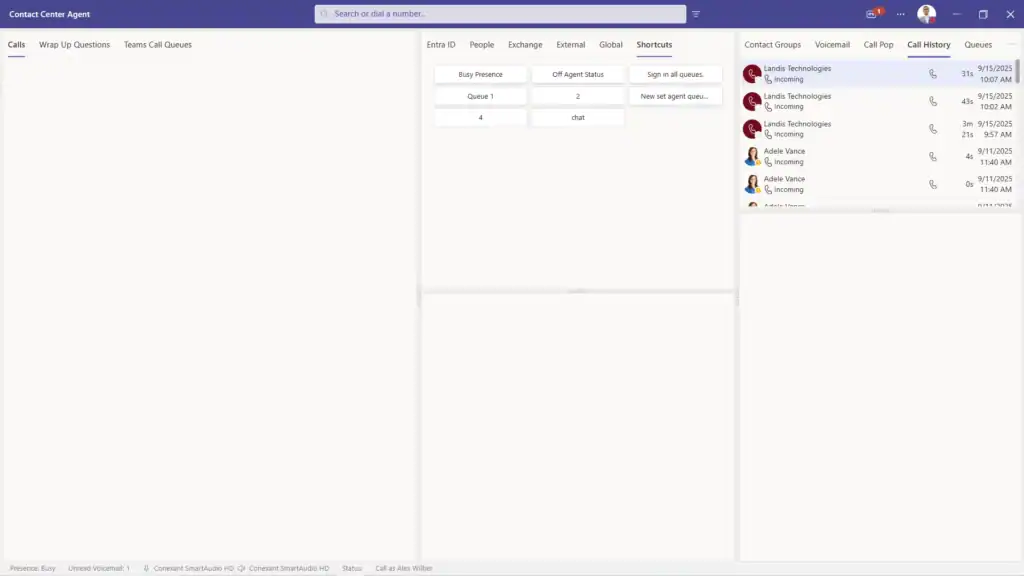
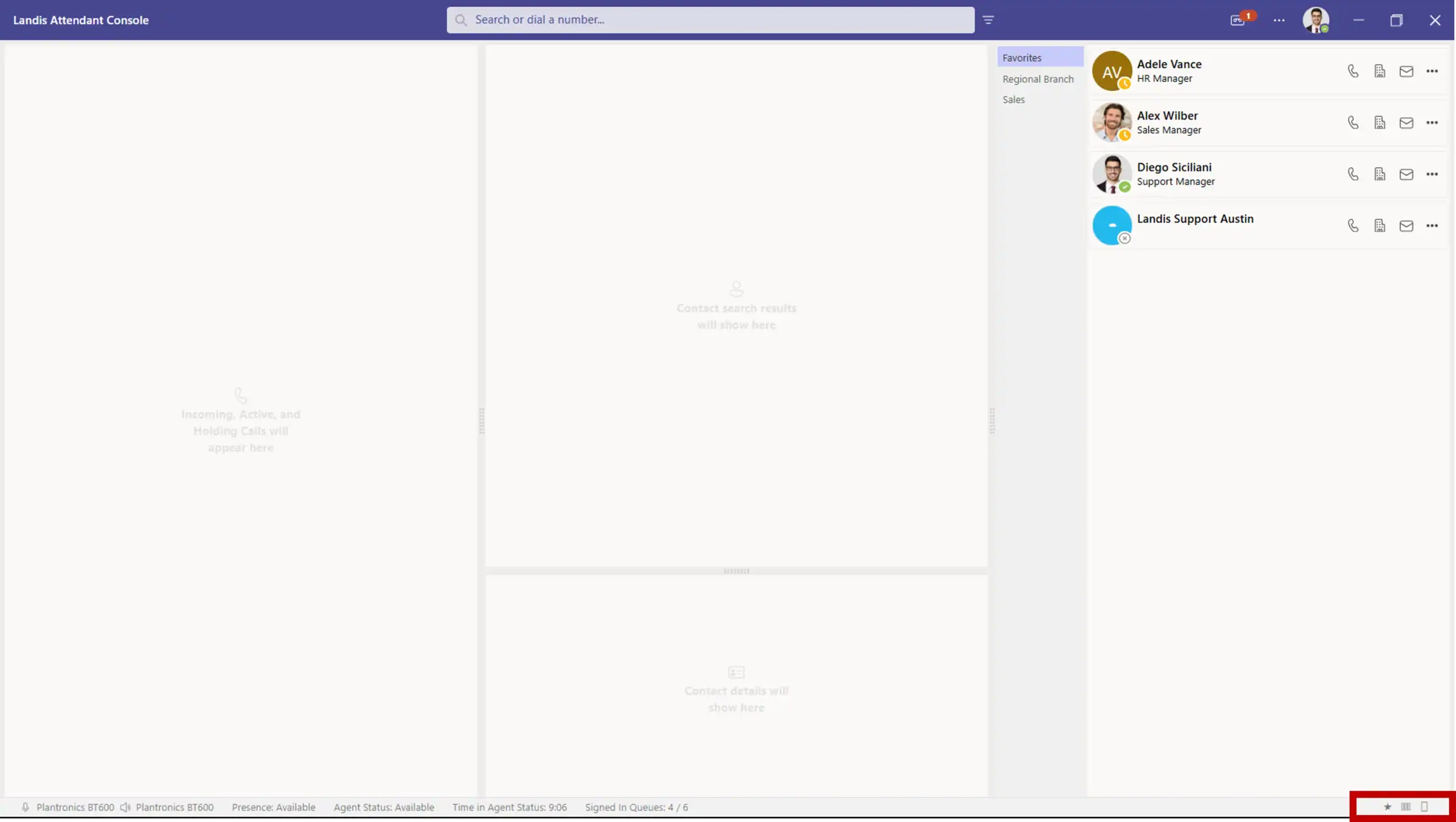
1. Call center agent console interface for efficient customer support management.
Multiple call shortcuts for internal or external contacts.
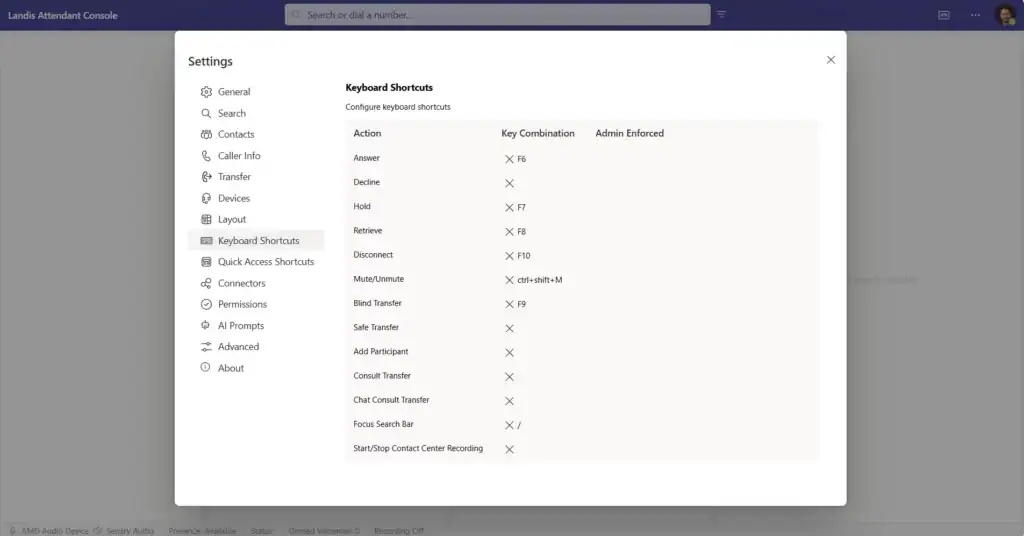
Comprehensive keyboard controls for power users or visually impaired users.
AC Keyboard shortcuts
Open specific webpages directly from the console.
Execute custom HTTP requests with headers and body.
Quickly switch between microphone and speaker device setups.
User Experience Enhancements
Color-coded progress bars and flashing indicators.
Rich contact information display during calls.
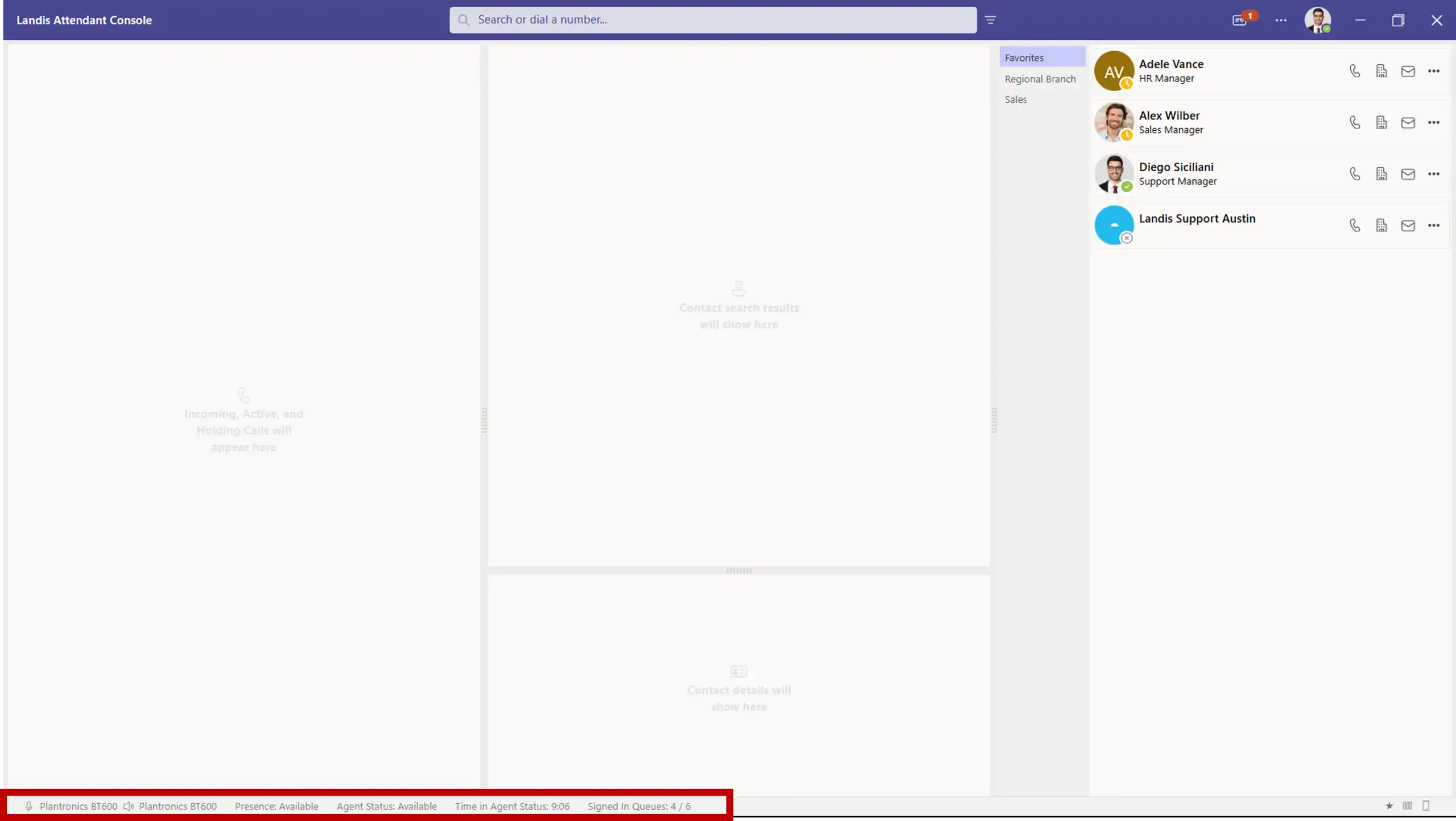
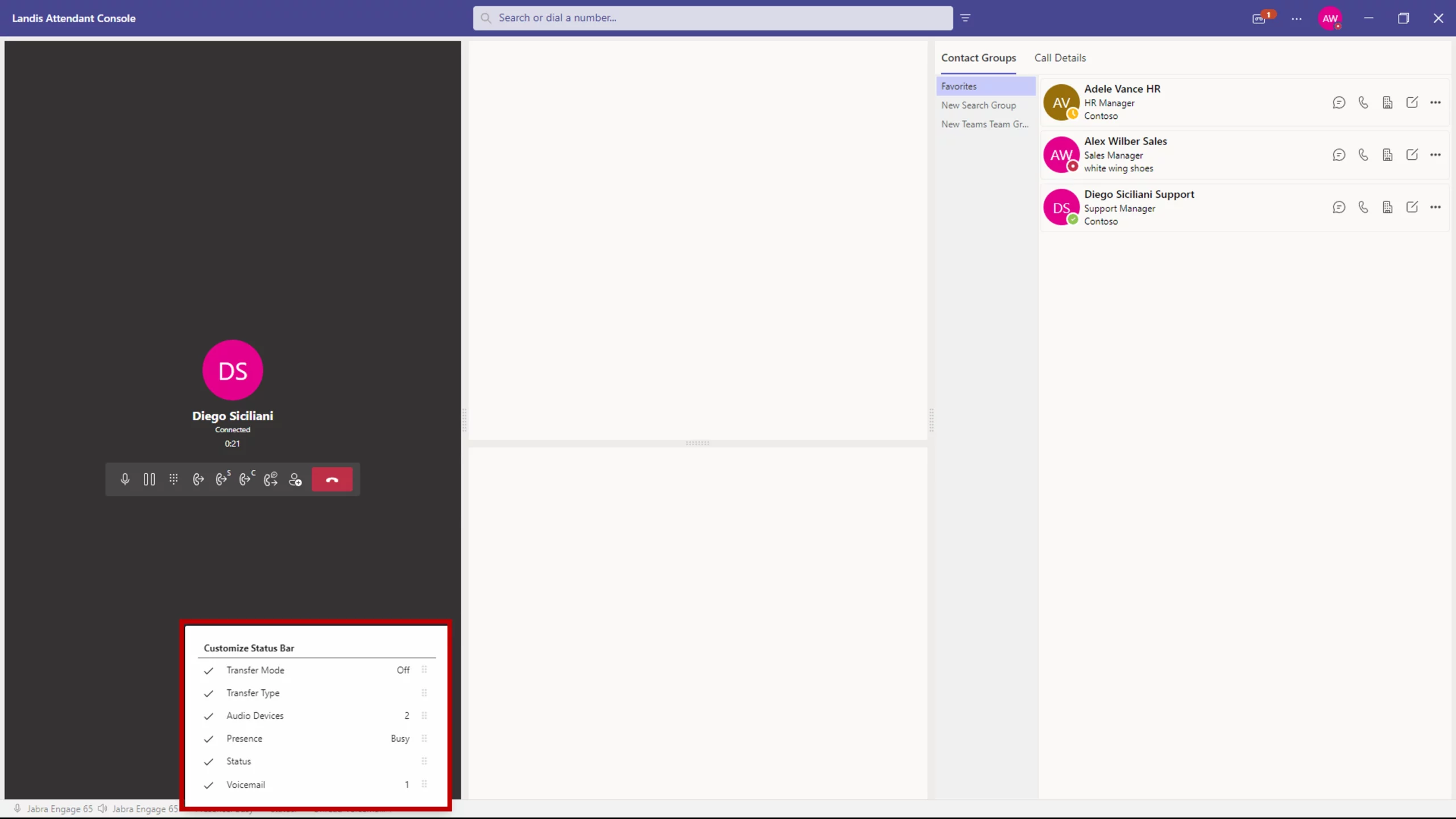
Customizable status and information display.
Comprehensive alert and call notification controls.
Power User Features
Save multiple interface configurations for different scenarios.
Complete keyboard control for efficiency and accessibility.

Teams Integration Features

Native Teams Functionality

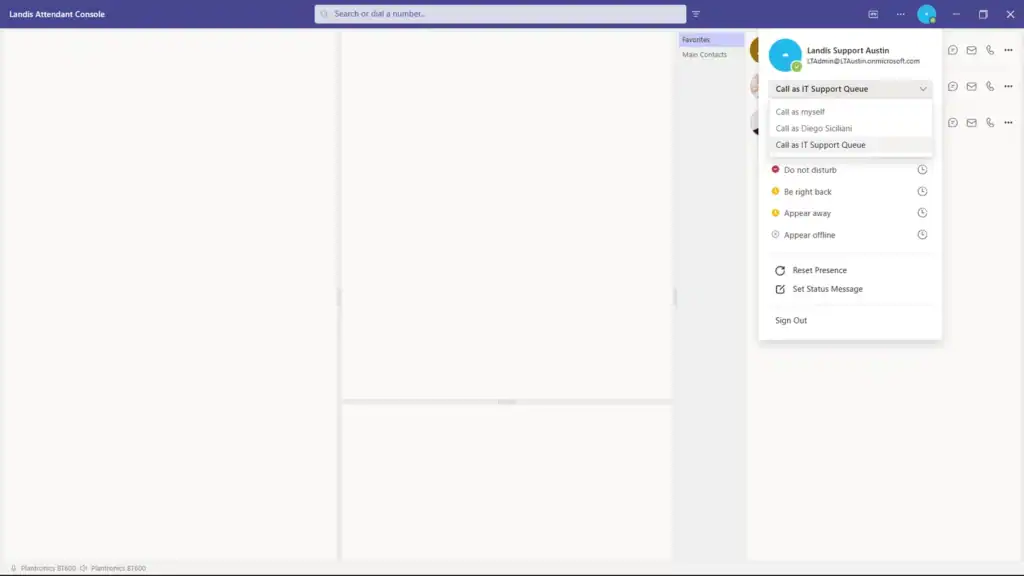
View and update Teams status directly within Attendant Console.

Set Teams status messages with duration controls.
Make calls on behalf of others with proper delegation permissions.
Make outbound Teams queues calls and access the Teams queue sign-in/out page.
View contact availability.
AC Contact Calendar

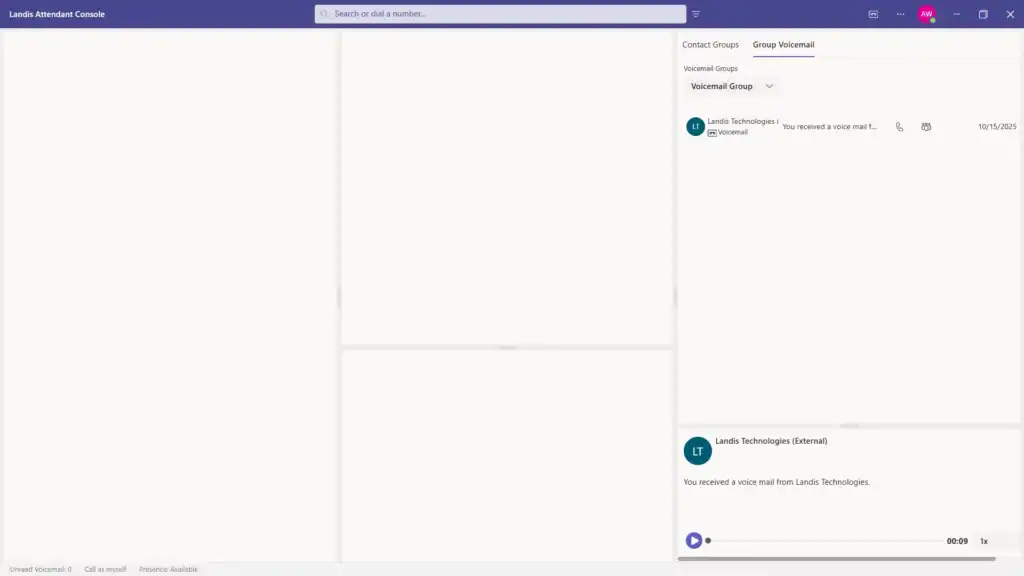
Direct integration with Teams voicemail system. Access personal or group inboxes.

Innovative voice communication technology by Landis Technologies for enhanced business efficiency.
AC Group Voicemail
Multi-Channel Support
Full PSTN and VoIP calling capabilities.
Enables the ability to send an adaptive card to an internal user.

Call History & Analytics

Local Call History
Access to all calls inbound and outbound calls handled in the current console instance.
Reliable IT solutions and business services by Landis Technologies for digital transformation.
Displays caller information, notes, and call metadata.
Store and review call transcriptions locally.
View all AI responses and analysis from past calls.
Call back directly from the call history panel with a single click.
Add, edit, and share notes for future reference.

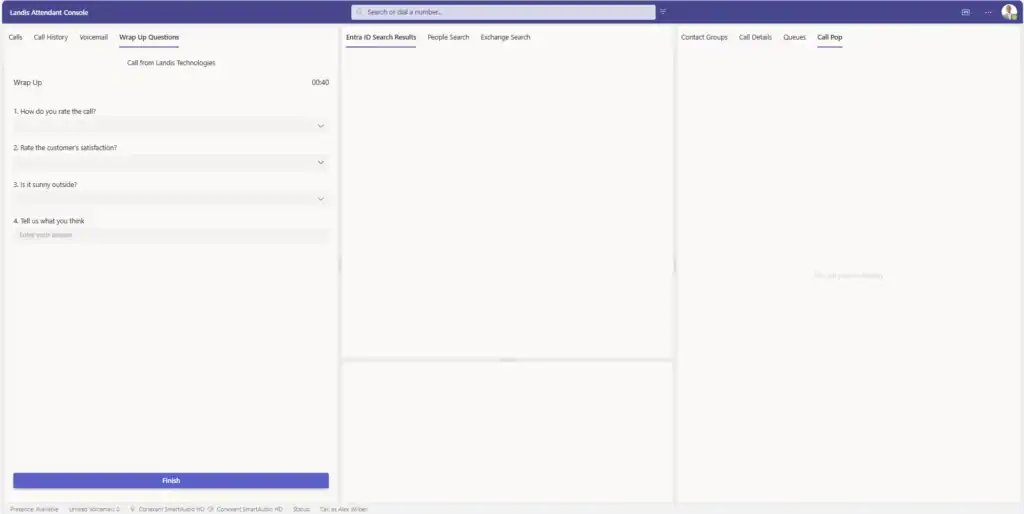
Create custom wrap up questions for agents to answer at the end of a call. Time allowed to answer can also be customized.

AC Wrap Up Questions
Real-Time Monitoring
Real-time speech-to-text during active calls.
Live timing for current status and call length.

Administrative & Security Features

Settings Policies & Control
Admin-controlled settings deployment.
AC Admin Enforced Settings
Flexible policy application options.
Granular control over specific settings.
Individual user configuration management.
Security & Compliance
Enterprise-grade security standards

Device & Platform Support

Multi-Platform Access
Native desktop app.
Full functionality in supported web browsers.
Support for Teams certified headsets and devices.
Hardware buttons support for Jabra headset devices (Preview).
Simple device configuration management between multiple audio devices.
Device Features
Assign separate devices for incoming call notifications.
Silence alerts during active calls or completely
Support for separate call, ring, and microphone devices.

Integration Capabilities

External Integrations
Integration hooks for external customer systems.
Display external data for inbound calls.
Connect to additional contact databases.
Send call data to external systems automatically.
View any compatible site inside Landis Attendant Console.
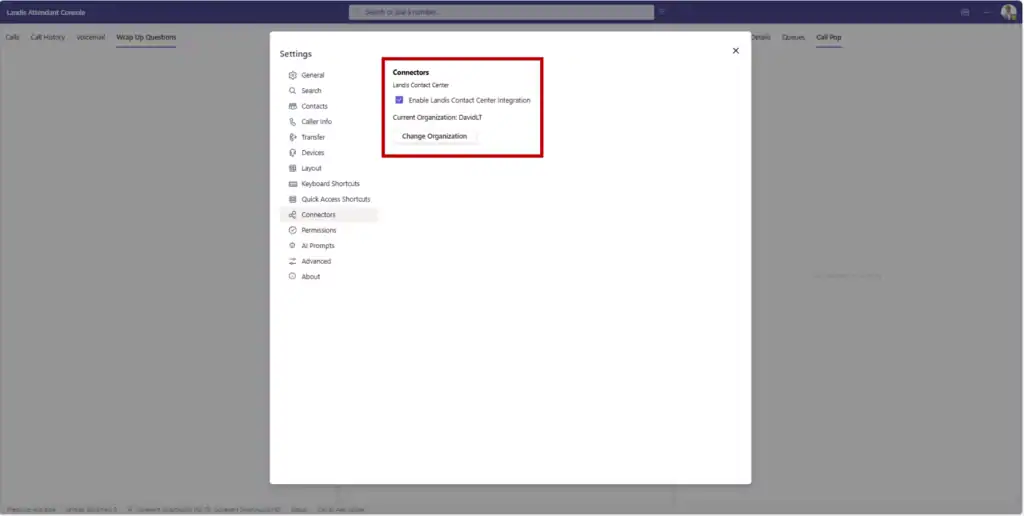
Integrate agents seamlessly with Landis Contact Center functionality.
AC integration with contact center
Microsoft Ecosystem
Access to organization’s Exchange address book and contacts.
Search across entire organization directory.
View contact availability and schedule information.

Additional Technical Capabilities

Call Flow Management
Manage several simultaneous calls efficiently.
Connect multiple participants.
Data Management
Supports roaming settings across devices and sessions.
Copy transcriptions and AI responses to clipboard.
Ability to export and restore settings
Scroll to Top

Get in Touch

Purchase Attendant Console.


High-tech IT solutions by Landis Technologies for innovative business growth.