Watch the update overview video.
Contact Center Agent Information in Footer

When Attendant Console is used as a Contact Center agent, view your current agent status, time in status, and signed-in queue-count in the footer. Click any item for more detailed information without leaving the workspace.
Quick Layout Switching
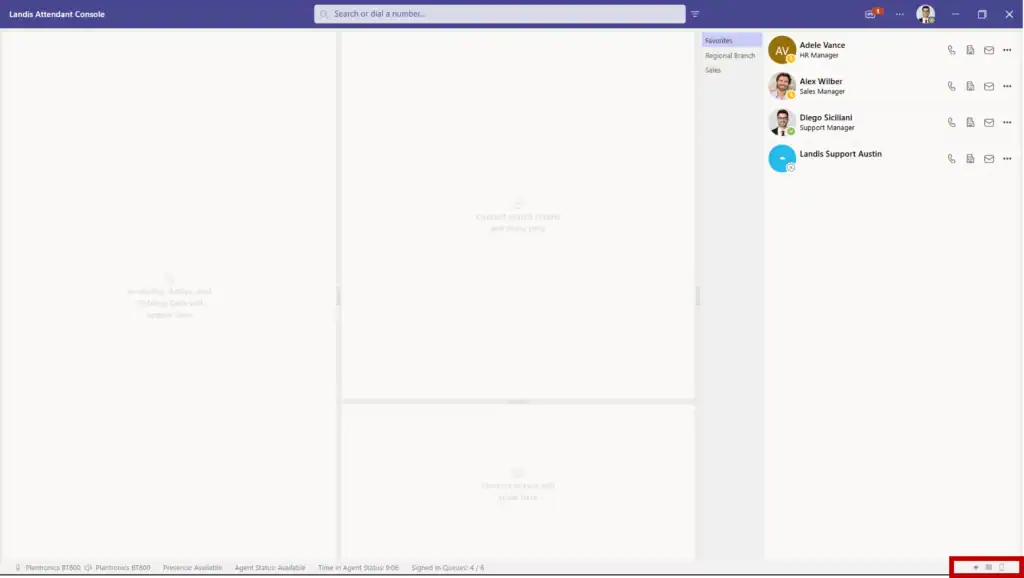
Save multiple workspace layouts and switch between them with one click from the footer. Configure layouts for different tasks (e.g. active calls, queue monitoring, administrative work) and change between them efficiently.
On-Demand Panels

Access Queues and Search Results as temporary overlays when needed. These panels appear only when relevant, preserving your workspace layout, while providing important information.
People Search Filters
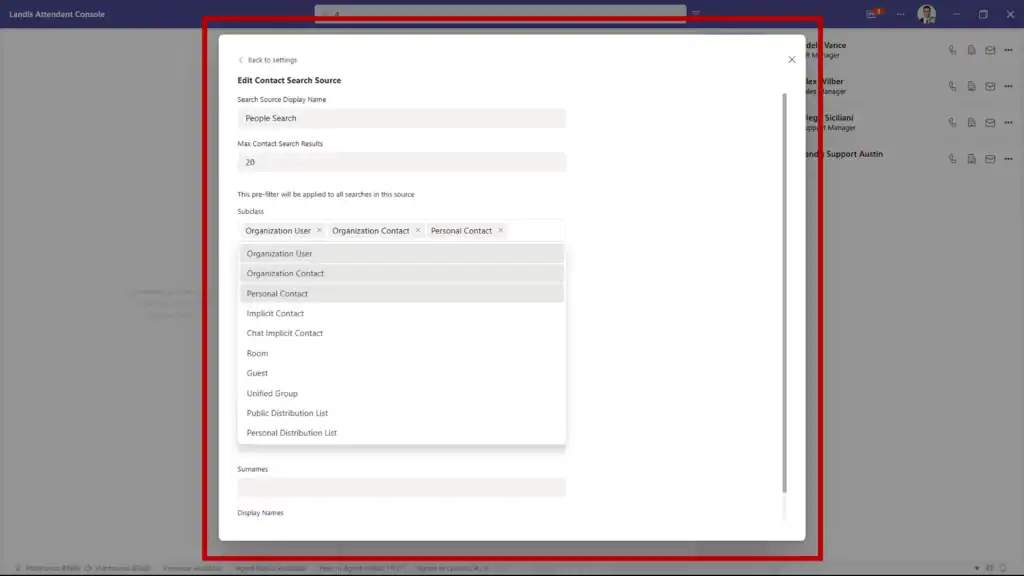
Configure which contact types appear in search results (e.g. internal users or external contacts), so you can reduce irrelevant results and locate the right contacts faster.
Bring Your Own AI Model
Connect your own Azure AI model to Attendant Console. All AI features will use that model with existing security and compliance configurations.
Requires Azure setup and permissions from IT.
Interface Improvements
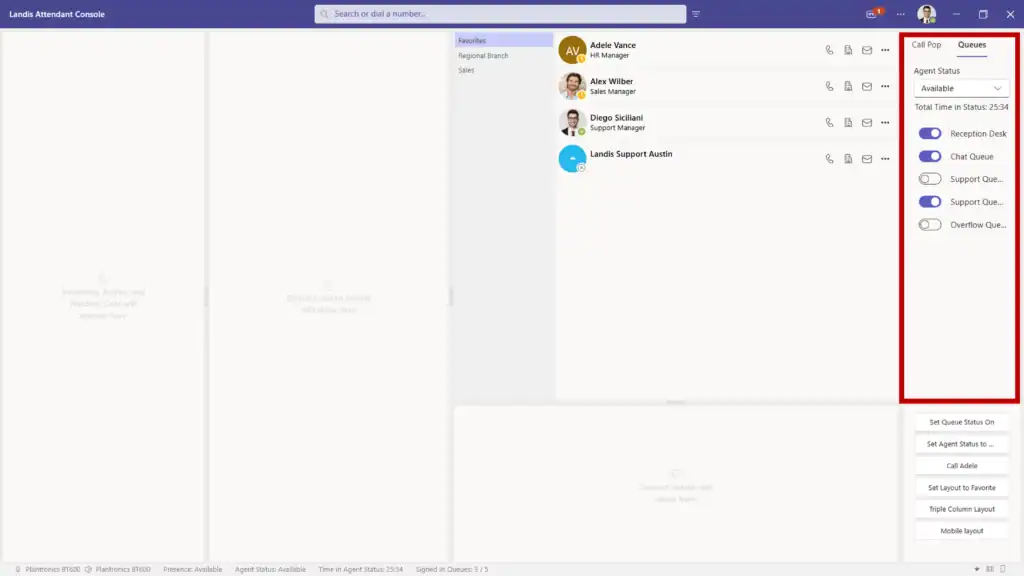
- Teams-matched dropdowns keep the user experience consistent with Teams.
- Empty panel descriptions help new users understand panel functionality when empty.
- Improved narrow Queues panel displays cleanly with text truncation and repositioned sign-in toggles.
- Dedicated AI Settings tab consolidates all AI configuration in one location.
If you’re interested in seeing what Landis Attendant Console could do for your receptionists, book a demo below.