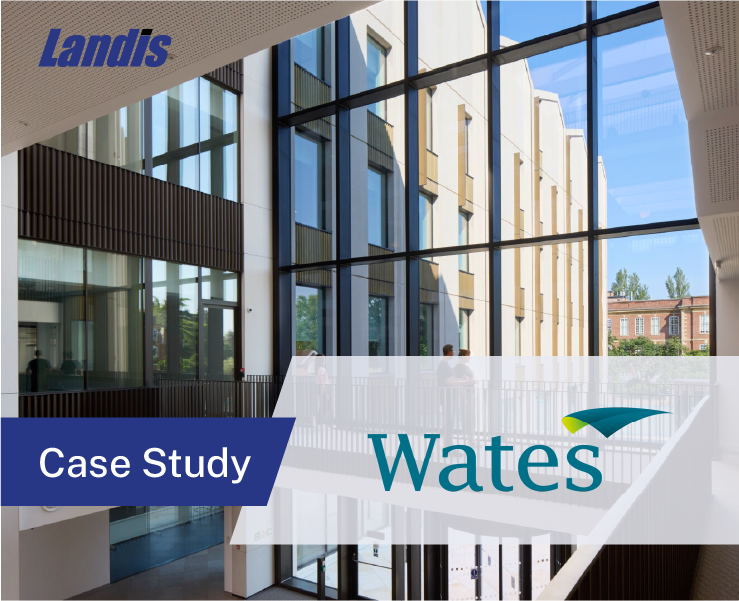
Wates Construction has been operating since 1890. As the largest family-owned construction company in the United Kingdom, the company employs around 7,000 people across a network of regional offices and more than 200 active project sites.
The Core Services Infrastructure Manager at Wates, set out to replace a collection of aging PBX systems with a single unified, cloud-based communications platform. The deciding factor was the attendant console, and the search for the perfect solution lasted two years.
The Search for a Teams Native Experience
When the manager joined Wates a decade ago, he inherited a collection of analog systems, Nortel hardware, and Mitel equipment across regional offices with no unified setup.
His goal was to move everything to a single cloud-based platform. By late 2020, Wates had already migrated its workforce from Skype for Business to Microsoft Teams, and Teams had become the daily working environment for employees across the organization.
The question was which platform to bring telephony into.
Wates evaluated several options including RingCentral, 8×8, and Microsoft Teams. RingCentral and 8×8 were full platforms in their own right. Microsoft Teams was where the company’s users already worked every day. Wates preferred the Teams path, but staying on Teams meant finding third-party tools that could fill the gaps Teams alone did not cover.
The attendant console was the largest of those gaps. Wates operates six to seven large regional offices, each with its own reception function. The receptionists handling calls at those offices process up to 700 calls per day depending on location. They needed a tool that fit cleanly into Microsoft Teams, required minimal training, and could keep up with that volume without slowing anyone down.
And putting receptionists on RingCentral or 8×8 required routing calls back into Microsoft Teams and maintaining two systems and asking users to work across them both.
“We wanted to stay Teams native. We didn’t want to put something in that needed to be bridged. So we just waited until the functionality was there.”
Wates ran proofs of concept with RingCentral, 8×8, and Luware. But the attendant console options either lacked the functionality the business needed, were too complex to deploy, or did not fit naturally into the Teams environment the receptionists already used.
“We needed to find an attendant console that was going to meet the requirements of the business. And that was always the sticking point.”
Landis Attendant Console for Microsoft Teams
Landis Attendant Console gave Wates a purpose-built receptionist tool that runs inside Microsoft Teams without bridging or adding a separate application for agents to manage.
Setup was straightforward. Signing up was simple. Configuring the Teams app permissions and enterprise application took less time than the competing options had required during POCs.
“You guys were easy to work with and easy to get started with and easy to try. The configuration setup was simple compared to what I had to do with any of the alternatives.”
Three Years, No Complaints
Wates has used Landis Attendant Console for three years. When asked about negative experiences, they had none to share.
“I actually cannot think of any negative thing we’ve had with Landis from the last three years,” he said. “Your reliability has been great. The functionality has been fantastic. I’ve got a lot of happy users that never complain.”
On a one-to-ten scale for likelihood to recommend, they gave Landis a ten.
“It’s not often I would say that,” he said. “I very rarely would say that. But I would say ten.”
Landis’s consistent release cadence was part of what earned that score. They noted that the platform updates regularly and continues to improve, which matters for a team that depends on their tools being current.
“I love the way that Landis has always developed,” he said. “You guys are continuously developing, improving, and making changes.”
“It was because Landis existed that we could move to Teams. Without it, we would never have been able to make the move to Teams as an organization.”
Why It Worked
Wates needed an attendant console that ran natively inside Microsoft Teams, was straightforward to configure, and could handle high call volumes reliably across a distributed network of offices. Landis Attendant Console delivered on each of those requirements.
For IT teams managing Microsoft Teams telephony across multiple sites, the Wates experience reflects what deployment looks like: fast setup, low maintenance, and users who have no complaints.
Request a demo or start a free trial to see how Landis Attendant Console fits into your Microsoft Teams environment.