What is an AI agent?
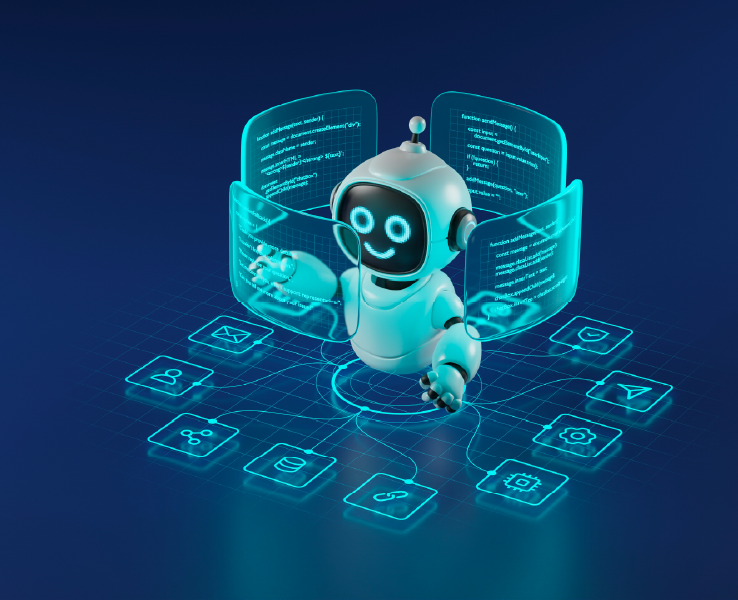
An AI agent is software built on an LLM that works toward a goal instead of following a script.
In a contact center, it is usually the first point of contact which passes the conversation to a human when an interaction needs judgment, authority, or empathy.
Table of contents
- What is an AI agent?
- What is the difference between an AI agent and a chatbot?
- Do you have to choose between a chatbot and an AI agent?
- Should your AI agent and your contact center be the same platform?
- Can you use an AI agent in a Microsoft Teams contact center?
- What happens when an AI agent hands a conversation to a human?
- What should you decide before deploying an AI agent in the contact center?
- How does Landis Contact Center use AI agents?
- FAQs
What is the difference between an AI agent and a chatbot?
Chatbot: Software that responds by following pre-designed conversations or answers.
AI agent: Software that responds by deciding which approved actions to take, often within business tools like CRMs or order systems.
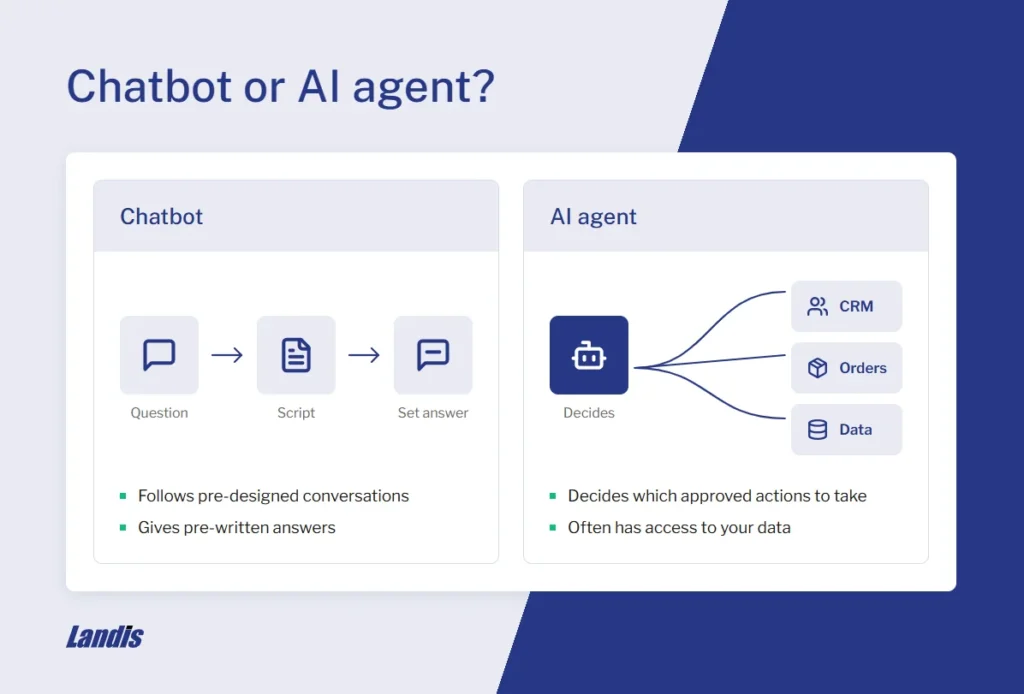
The contrast can be seen in a fictional scenario in which a customer might say “My order arrived damaged, and I need a replacement before Friday.”
Chatbot: Recognizes the word “damaged” and starts the return, asking for order number, sending a return label, and confirming that the replacement will ship within 5-7 business days.
AI agent: Understands intent and urgency and looks up the order, confirms delivery timeline, and checks inventory. Since standard shipping delivers the part on Monday, it upgrades to expedited shipping per the allowance in the policy for damaged items.
Do you have to choose between a chatbot and an AI agent?
No. Both can be used in the same deployment.
One method is to offer a menu at the beginning of the chat or call where the customer picks a topic. Each choice would then lead to either a chatbot or an AI agent as relevant.
However, this creates another step for the caller.
If trying to avoid this, and if automation and self-service are highest priority, choose an AI agent. If lower cost and maintenance are priority, choose a chatbot with hand-off to a human agent when necessary.
Should your AI agent and your contact center be the same platform?
Not necessarily. They can be separate if the hand-off to a human agent still works.
A single platform creates only one vendor, bill, and report location.
Separate platforms may allow AI agents easier access to business data, such as Copilot Studio for Microsoft organizations, and allow human agents to keep their familiar interface.
In each case, the hand off from AI agent to human agent must be optimized.
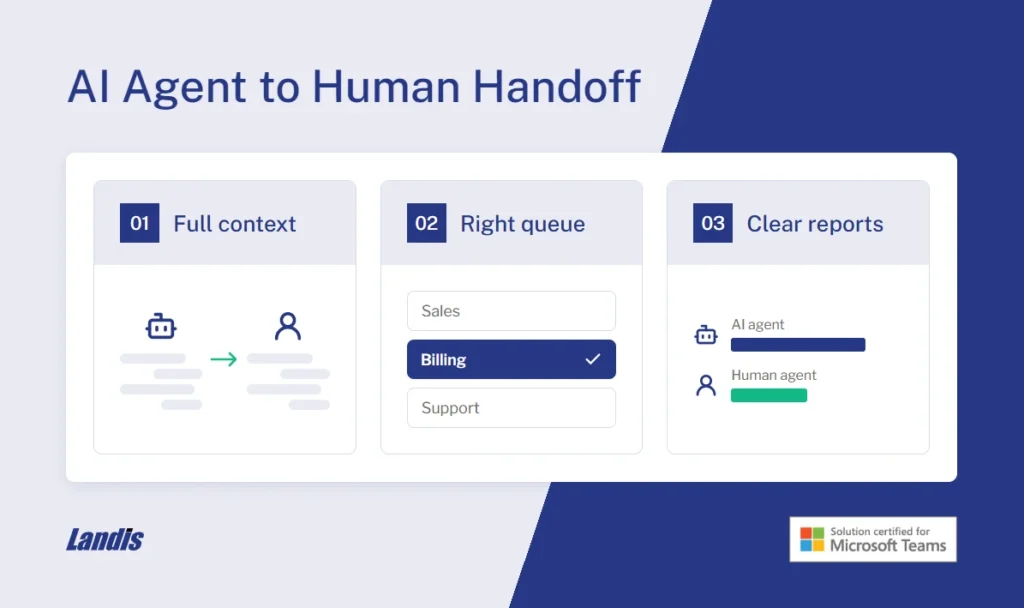
Make sure:
- The conversation history reaches the human agent, so the caller doesn’t need to repeat themselves.
- The escalation lands in the right queue.
- Reports show which conversations were handled by an AI agent vs human agent.
Can you use an AI agent in a Microsoft Teams contact center?
Yes. Copilot Studio is the best option for this.
Teams-certified contact centers can use a Copilot Studio agent as the first touch in a conversation. When a human agent is needed, the conversation escalates to a human.
What happens when an AI agent hands a conversation to a human?
An AI agent escalates the request when
- The response requires actions outside its guidelines
- The caller asks to speak to a human
- Repeated attempts to resolve the issue fail
The conversation then moves to a queue and waits for the next available person. If none are available, routing rules decide what happens next, such as an after-hours message or a callback.
In an ideal handoff, the human agent will be able to see the conversation history and any important details the AI agent already collected upon receiving the call.
What should you decide before deploying an AI agent in the contact center?
Requests
- Which requests should it handle?
- Which answers must be word for word?
- Which common interactions require a human?
Systems
- What actions can the agent take?
- What tools can it use?
- Which channels does it cover?
People
- When and where does it hand-off?
- What does the human agent see after hand off?
- Who maintains it?
Results
- How will success be measured?
- What does it cost?
How does Landis Contact Center use AI agents?
Copilot agents can be connected via the Copilot Agent block in the chat IVR designer. When the customer reaches that part of the menu, the agent handles it.
When the AI agent escalates the request, the chat moves to the next block.
Setup requires two parts:
Copilot Studio:
- Make sure the Escalate topic is set to transfer the conversation
- Copy the web channel security secret
- Publish the agent
Landis Contact Center
- Add the agent under ‘Configuration’
- Paste the secret into the ‘Direct Line Secret’ field
- Add the agent in the Copilot Agent block of the IVR designer
FAQs
Neither; it’s a general-purpose AI assistant. Its replies aren’t pre-designed, so it isn’t a chatbot in the traditional sense. It works as an AI agent only when it’s given tools to take actions, like searching the web or completing tasks in connected apps. Out of the box, it has no access to your business systems or policies.
Some. An AI agent can handle multi-step requests when it has the right data and approved actions, like the damaged order with a Friday deadline. Requests that need a policy exception, careful judgment, or a sensitive conversation belong with a human agent. How much an AI agent can handle depends on which systems it’s connected to and what it’s allowed to do in them.
– Wrong answers stated with confidence, including made-up policies or details.
– Actions taken in error, like a refund issued on the wrong order.
– Customers stuck in a loop with no way to reach a person.
– Mistakes that go unnoticed because no one reviews the conversations.
– A clear escalation path, limited permissions, and regular review of conversations reduce these risks.
No. Copilot Studio agents can be published to websites, Teams, and other channels, and they can connect to third-party contact centers like Landis. Copilot Studio requires its own licensing.
Book a demo to see the full list of AI features within Landis Contact Center.